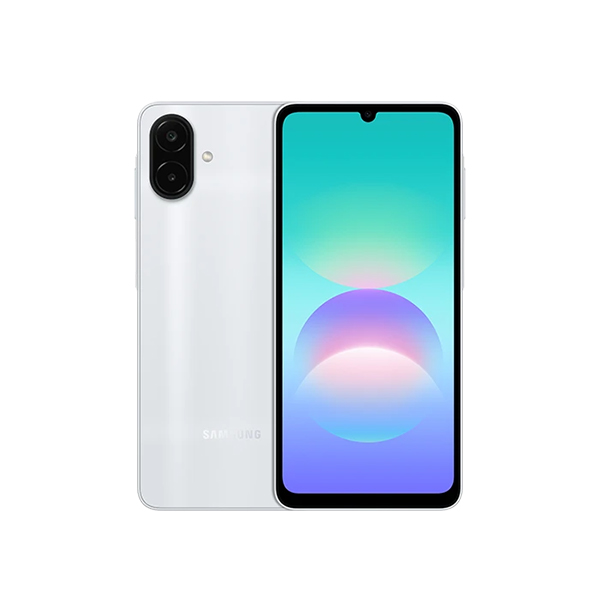
*Images simulated for illustrative purposes. Available memory/storage capacity is subject to pre-installed software. Memory/storage options and availability may vary by country, region or carrier. Image simulated for illustrative purposes. 50 MP resolution is available on Galaxy A08's rear wide camera only. Results may vary depending on shooting conditions including multiple subjects, being out of focus or moving subjects. Frame does not include volume, and side keys, or SIM tray. Galaxy A08 is rated as IP64. Based on lab test conditions for spraying 10 liters of freshwater per minute from all angles for 5 minutes. Not recommended for beach or pool use. Water and dust resistance of the device is not permanent and may diminish over time due to normal wear and tear. Typical value tested under third-party laboratory condition. Typical value is the estimated average value considering the deviation in battery capacity among the battery samples tested under IEC 61960 standard. Rated (minimum) capacity is 5,830 mAh. Actual battery life may vary depending on network environment, usage patterns and other factors. Battery life is based on results from internal lab tests for typical usage pattern scenarios conducted by Samsung. Charging speed may vary depending on charging conditions and other factors. Using the original Samsung data cable is recommended. 25W Fast Charger sold separately.
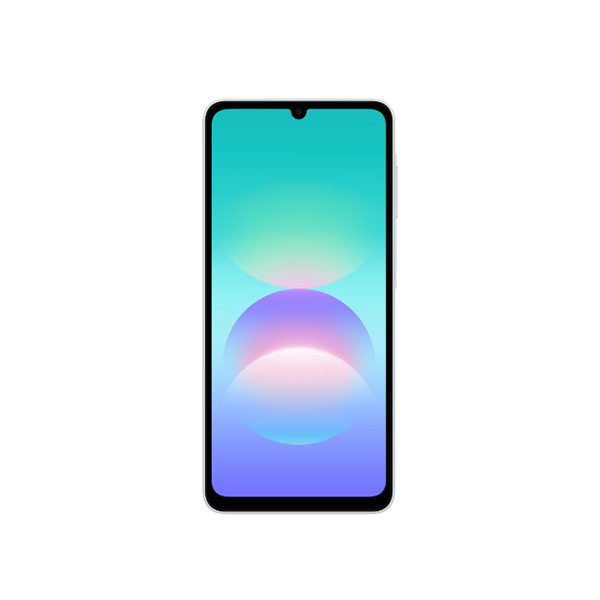
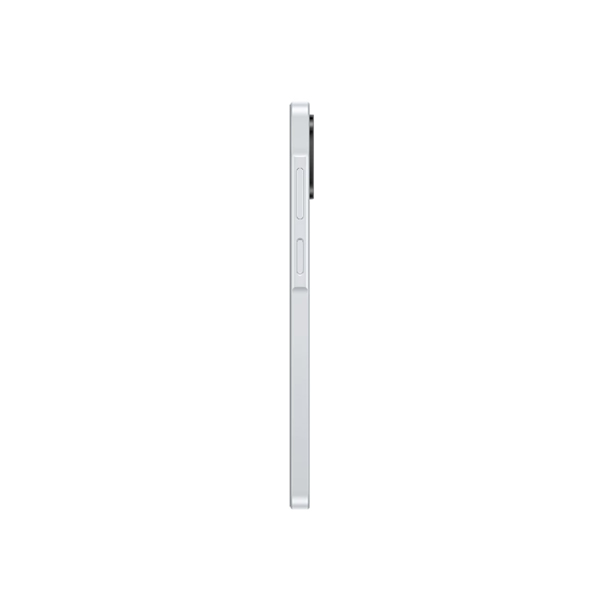
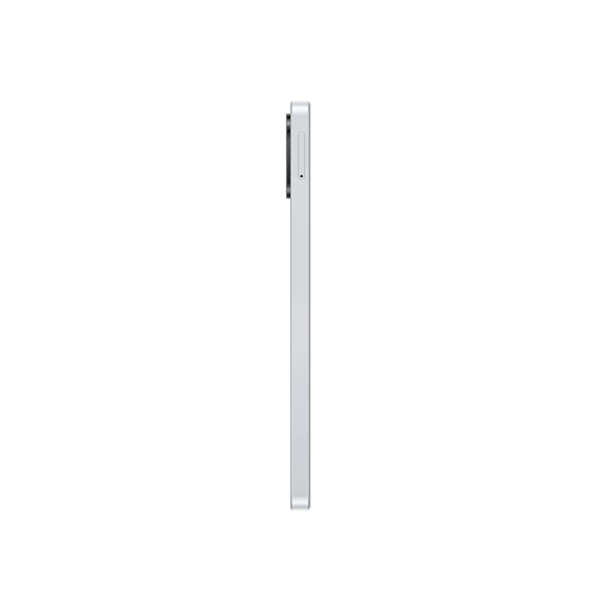
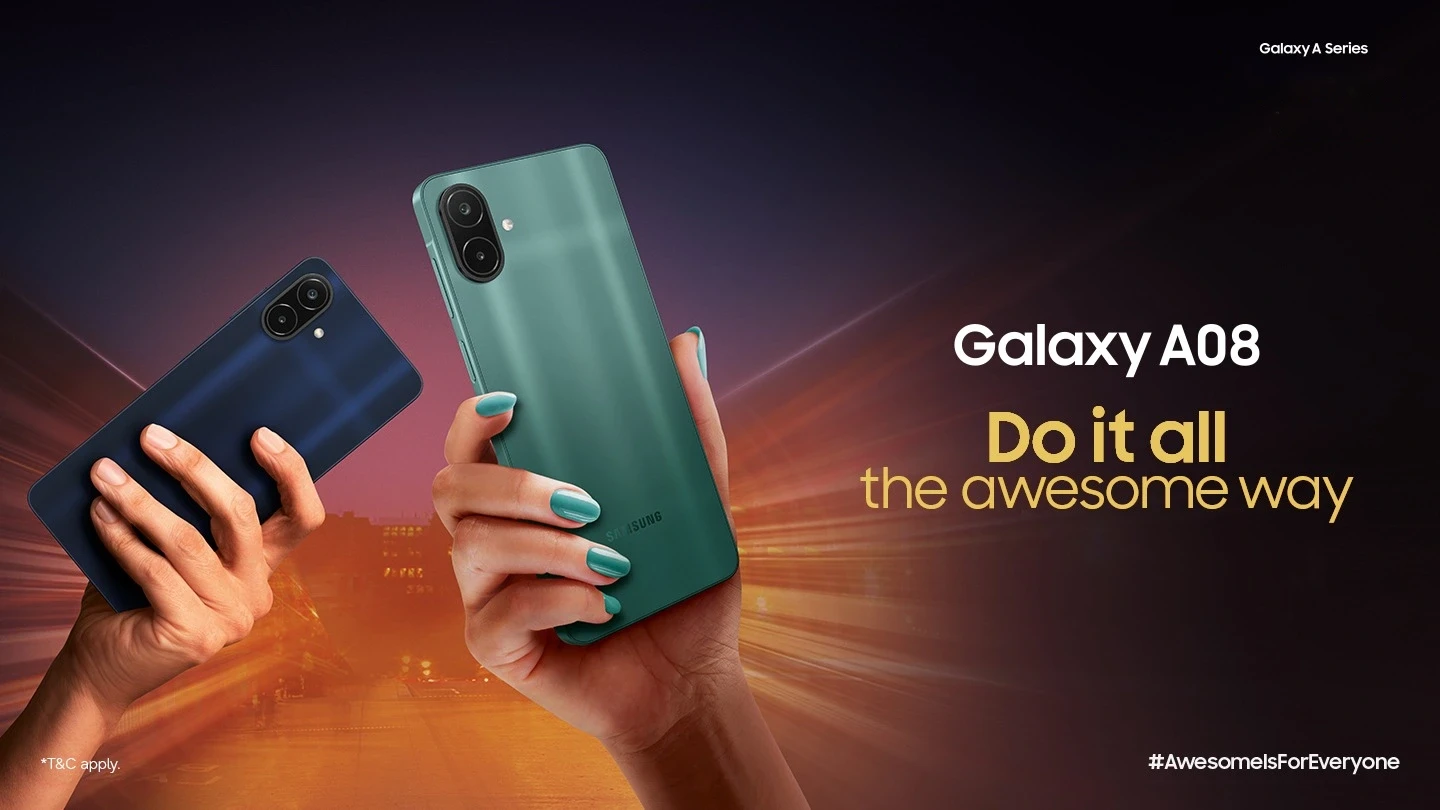
Slim and refined design
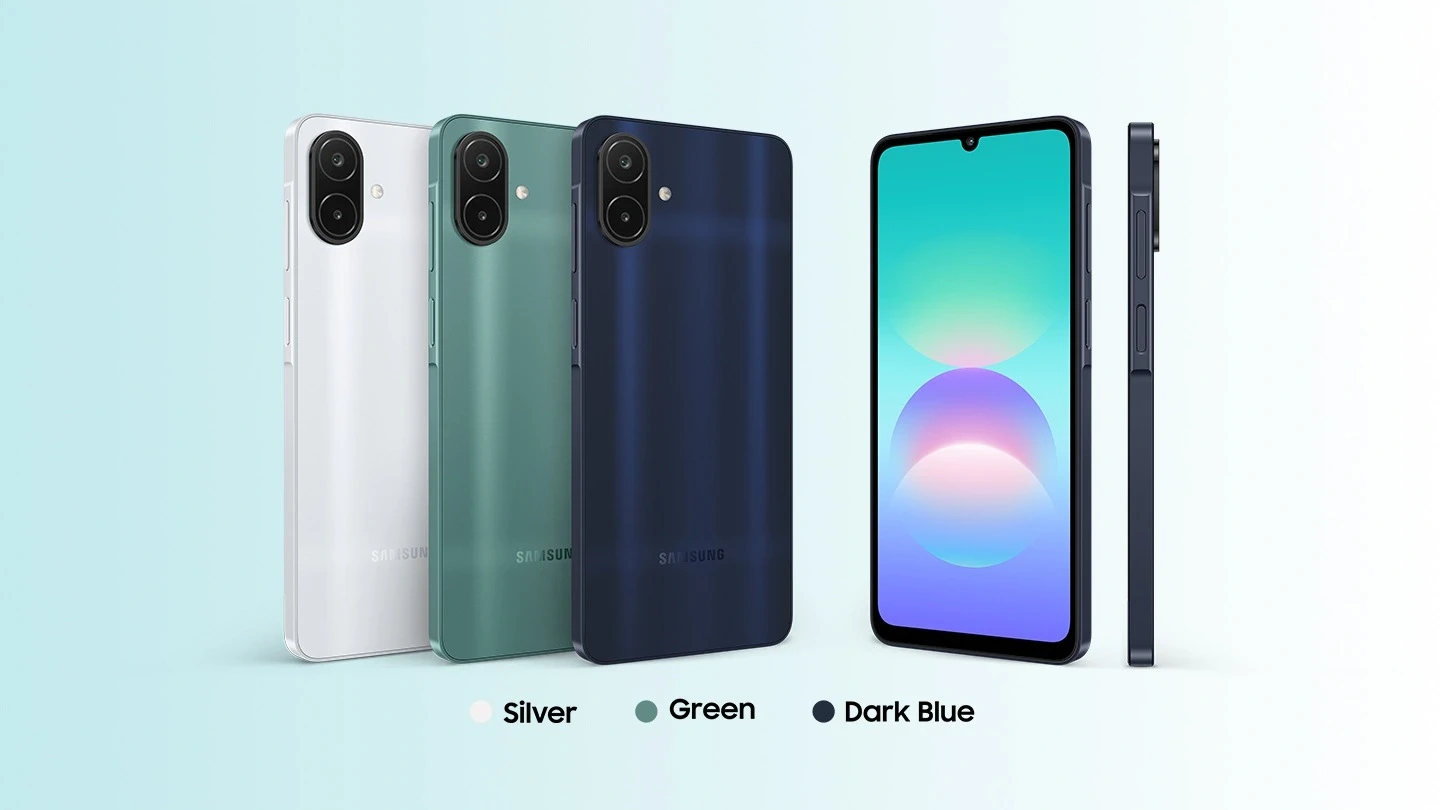
*Measured diagonally, the screen size is 17.13 cm in the full rectangle and 16.73 cm accounting for the rounded corners. Actual viewable area is less due to the rounded corners and the camera cutout
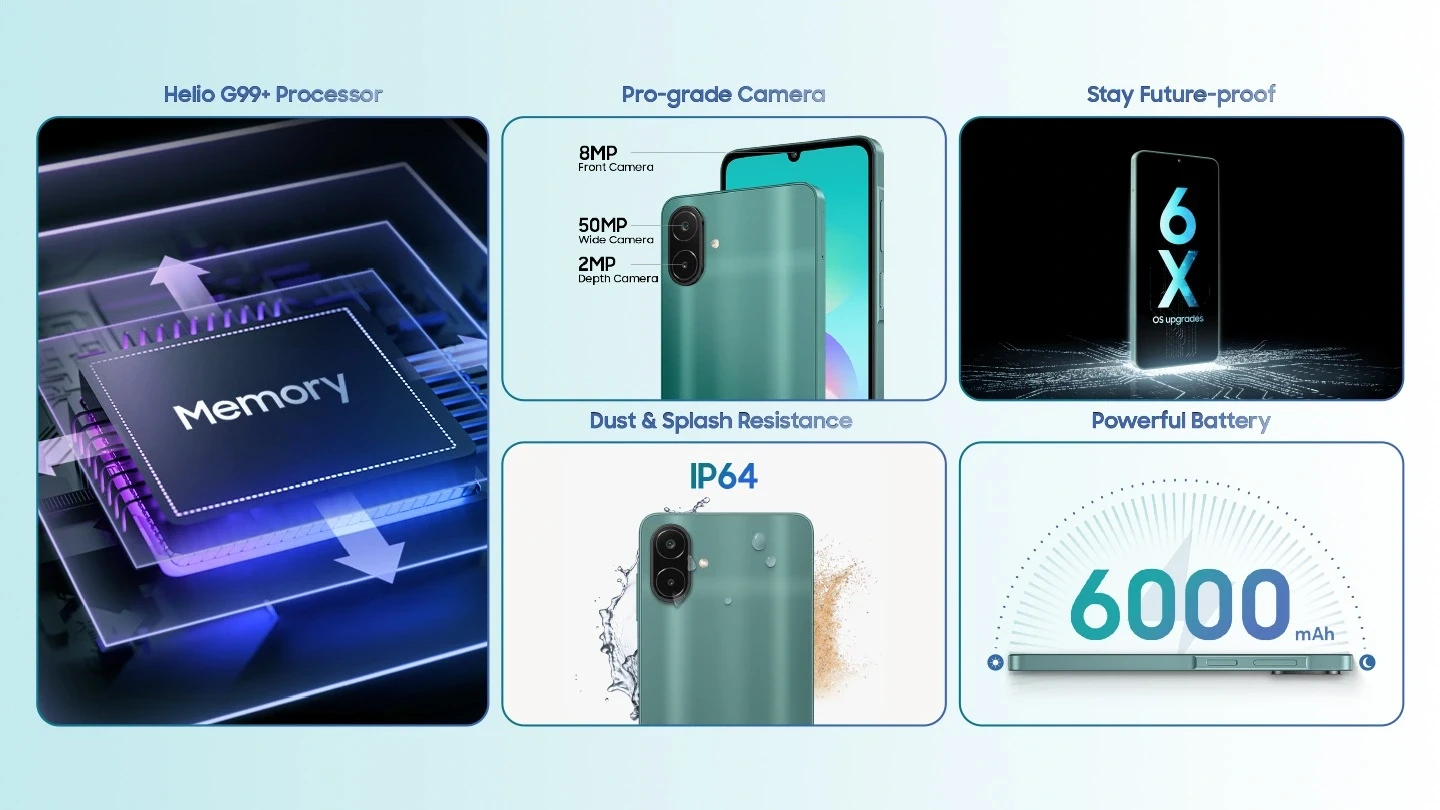
Get more done faster with Helio G99+
Experience blazing-fast performance with edit videos, game, and stream your favourite content effortlessly.
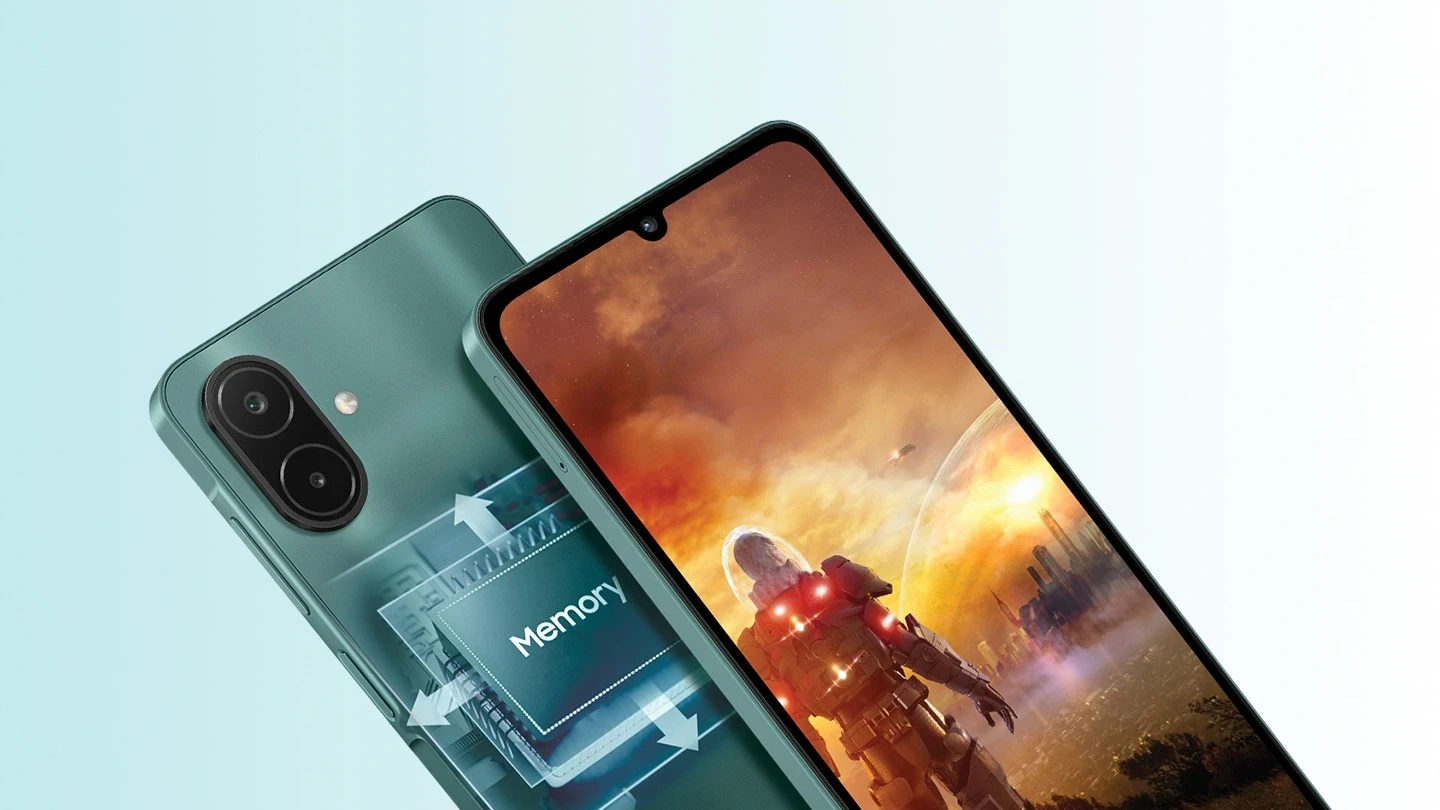
*Available memory/storage capacity is subject to pre-installed software. Memory/storage options and availability may vary by country, region or carrier. Image simulated for illustrative purposes. 4/6/8 GB memory models will support up to 4/6/8 GB of internal storage that can be used as virtual memory to improve app performance.
50 MP Pro-grade camera for awesome shots
Snap insta-friendly shots with rich colours, and focus. Enjoy perfectly balanced exposures with advanced image processing. Bring moments to life with professional-level clarity.
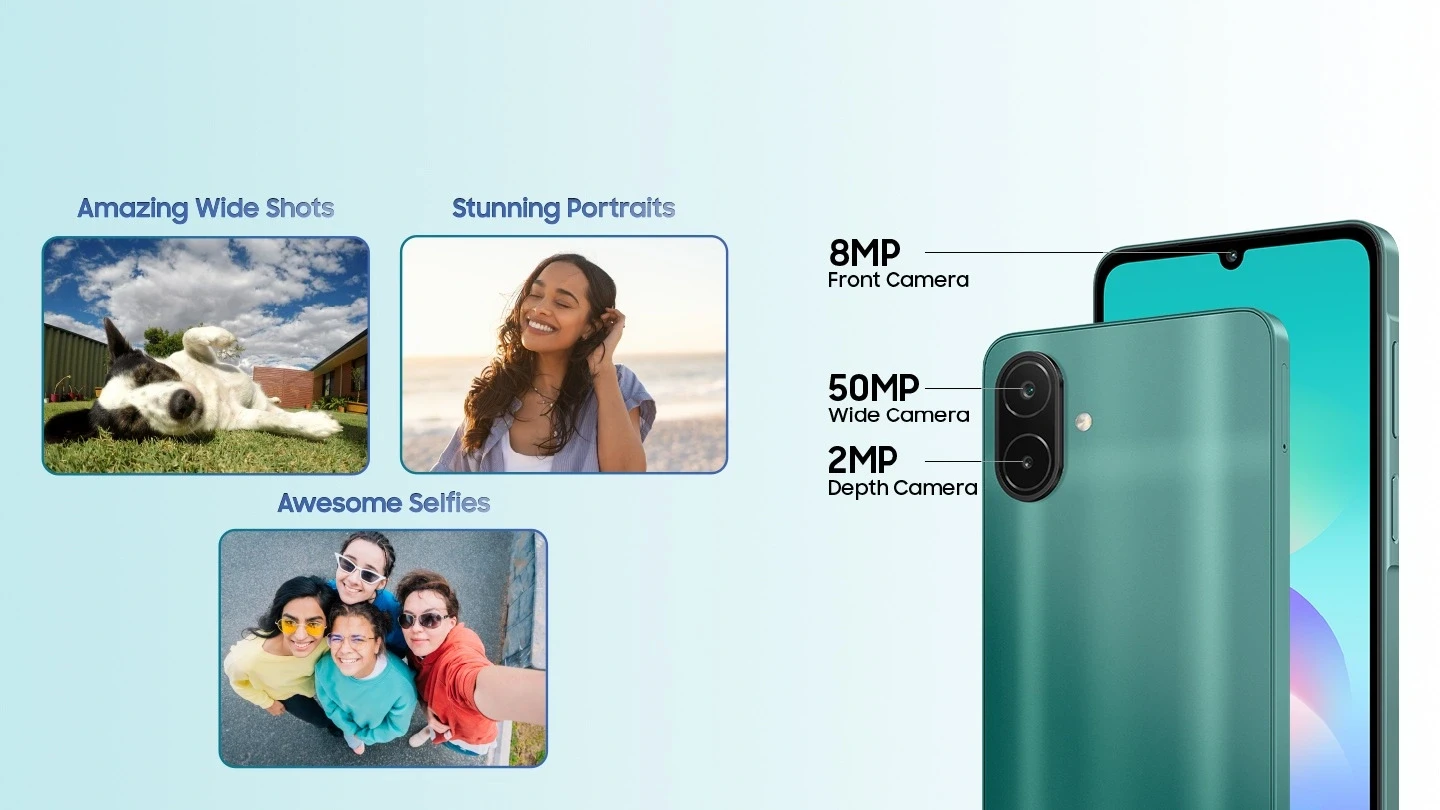
*Actual product may differ from the image shown. 50 MP resolution is available on Galaxy A08's rear wide camera only. Results may vary depending on shooting conditions including multiple subjects, being out of focus or moving subjects.
IP64 dust and water resistance
Keep your phone protected from dirt, and splashes
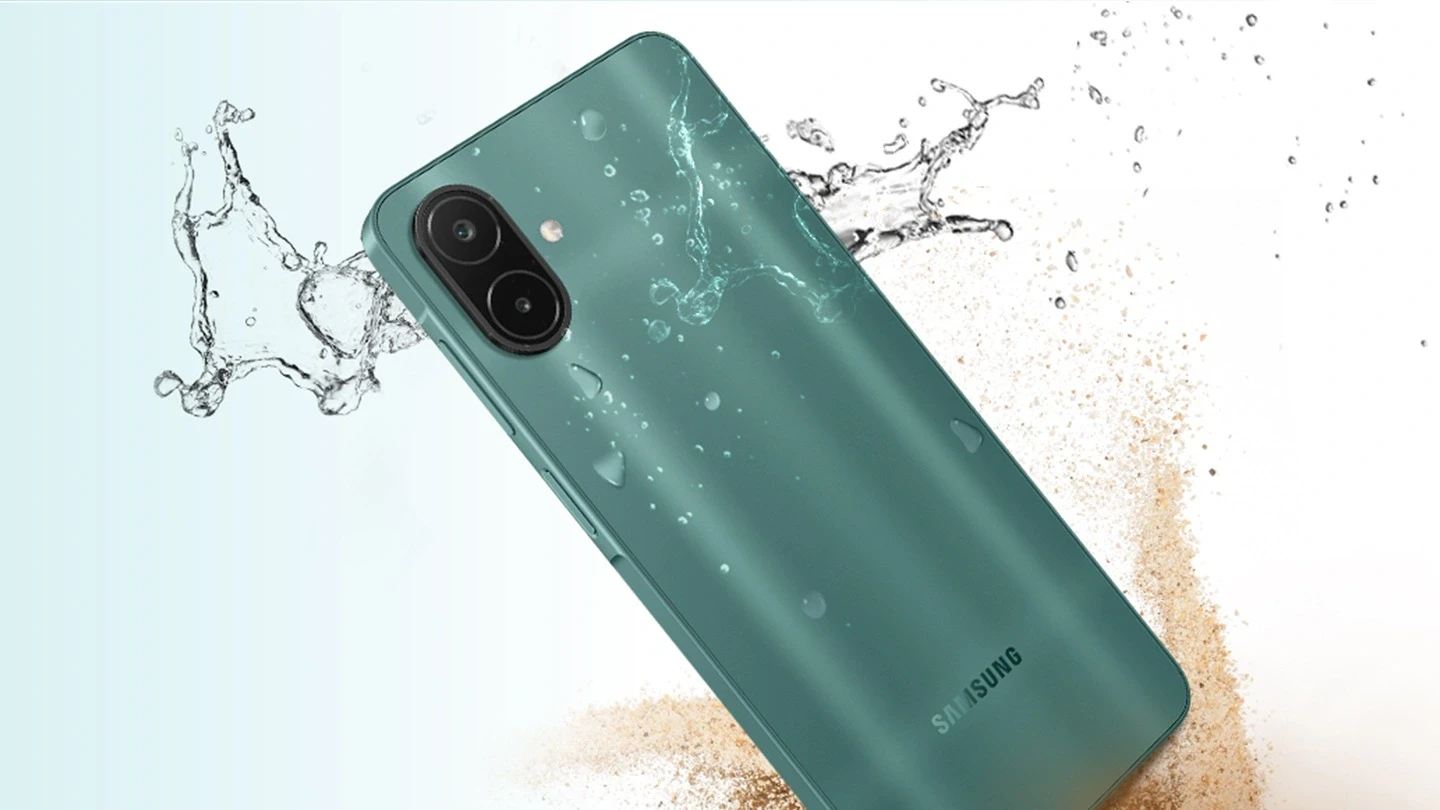
*Frame does not include volume and side keys, or SIM tray. Galaxy A08 is rated as IP64. Based on lab test conditions for spraying 10 liters of freshwater per minute from all angles for 5 minutes. Not recommended for beach or pool use. Water and dust resistance of the device is not permanent and may diminish over time due to normal wear and tear.
Stay secure and up to date for the long-term
Stay protected with up to 6x security updates. Keep your phone feeling brand new with up to 6x OS upgrades.
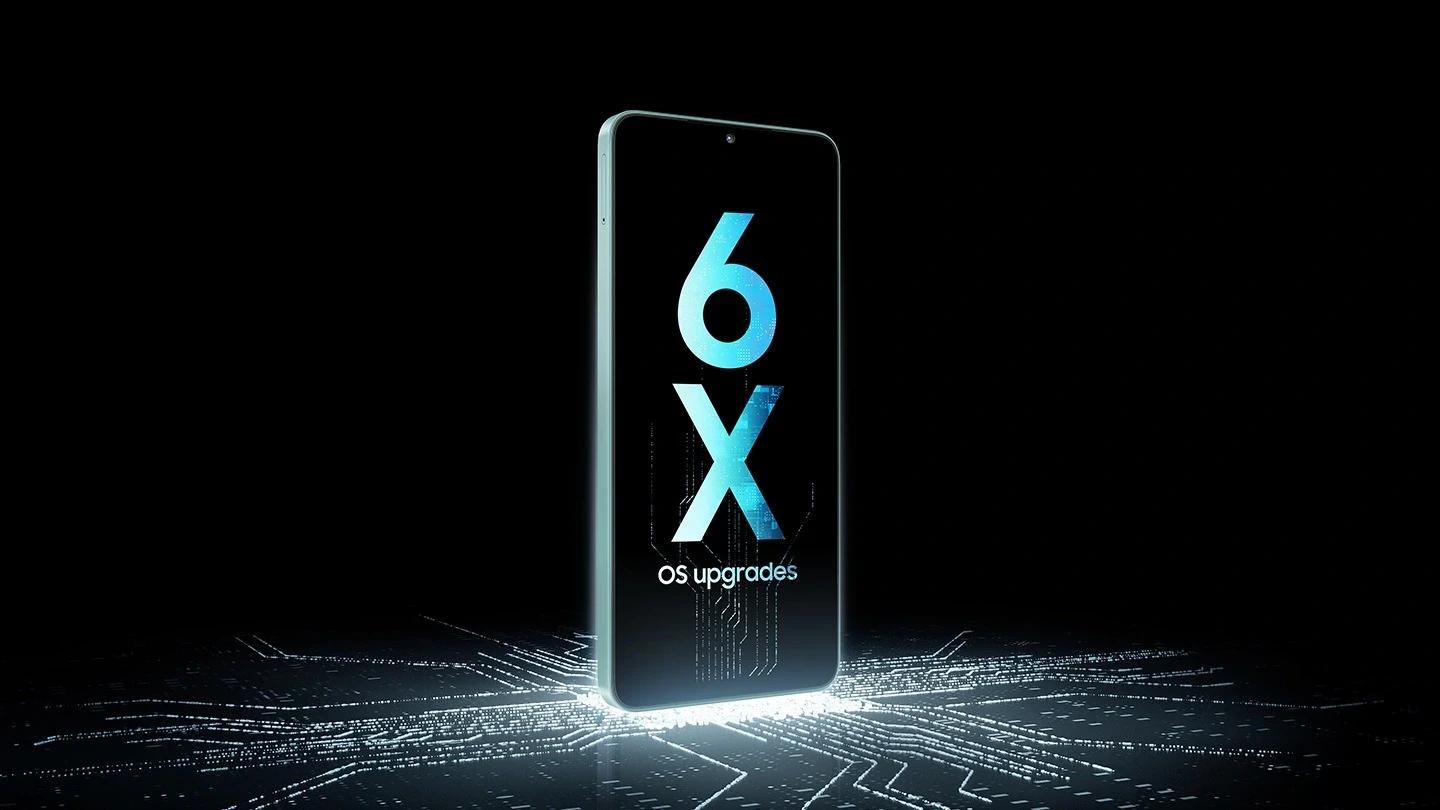
*Galaxy A08 will be supported with up to six generations of OS upgrades and up to six years of security updates from the first global launch date. Image simulated for illustrative purposes. The OS upgrade and security update policies specified above are subject to change. Actual product may differ from the image shown.
Long-lasting battery
Game, scroll and binge for longer with a powerful 6000 mAh battery
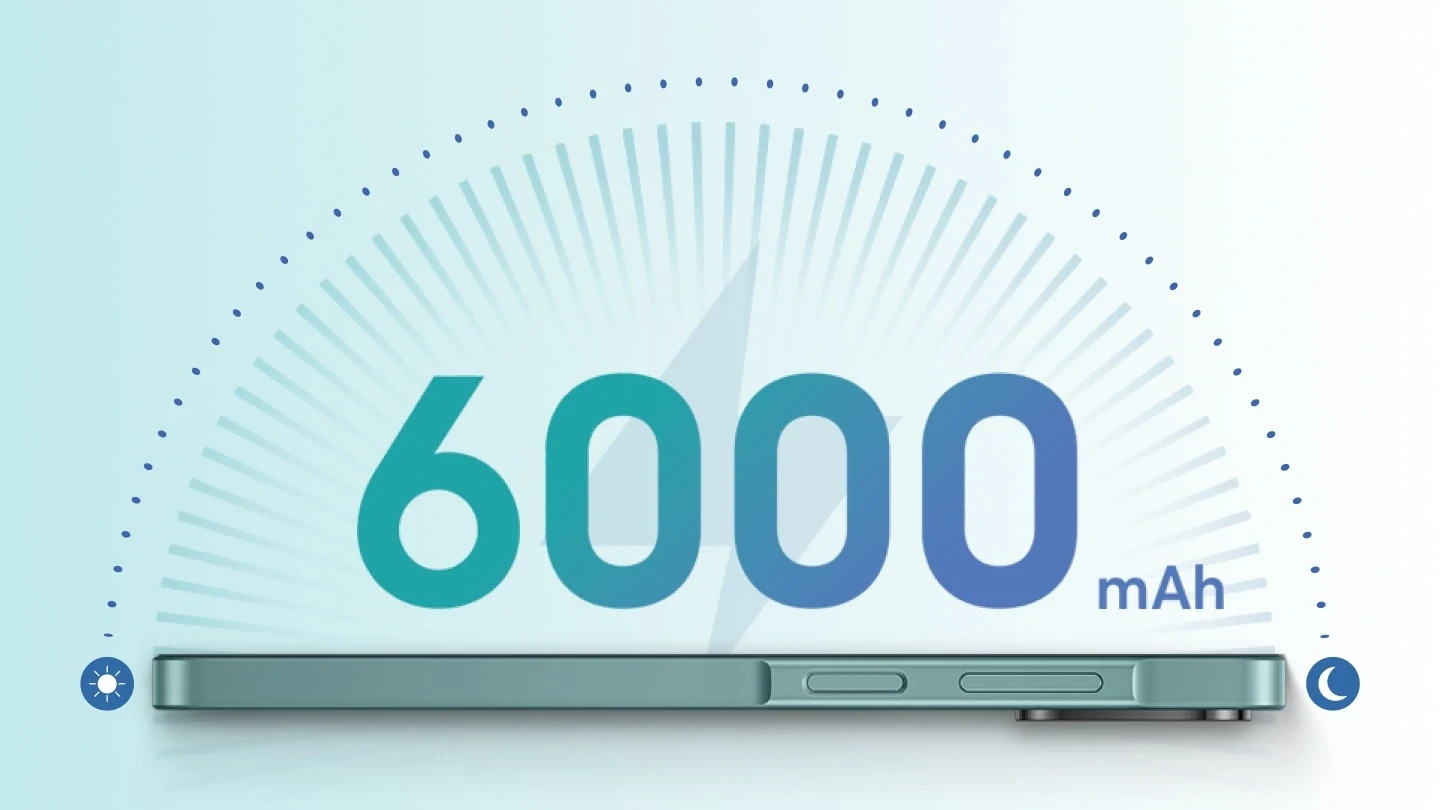
*Typical value tested under third-party laboratory condition. Typical value is the estimated average value considering the deviation in battery capacity among the battery samples tested under IEC 61960 standard. Rated (minimum) capacity is 5,830 mAh. Actual battery life may vary depending on network environment, usage patterns and other factors. Battery life is based on results from internal lab tests for typical usage pattern scenarios conducted by Samsung. Charging speed may vary depending on charging conditions and other factors. Using the original Samsung data cable is recommended.
Your privacy, secured by Knox
EAL5+ certified Knox Vault keeps your private information safe. Organize sensitive photos into private albums, and access securely. Securely save passwords, and passkeys.
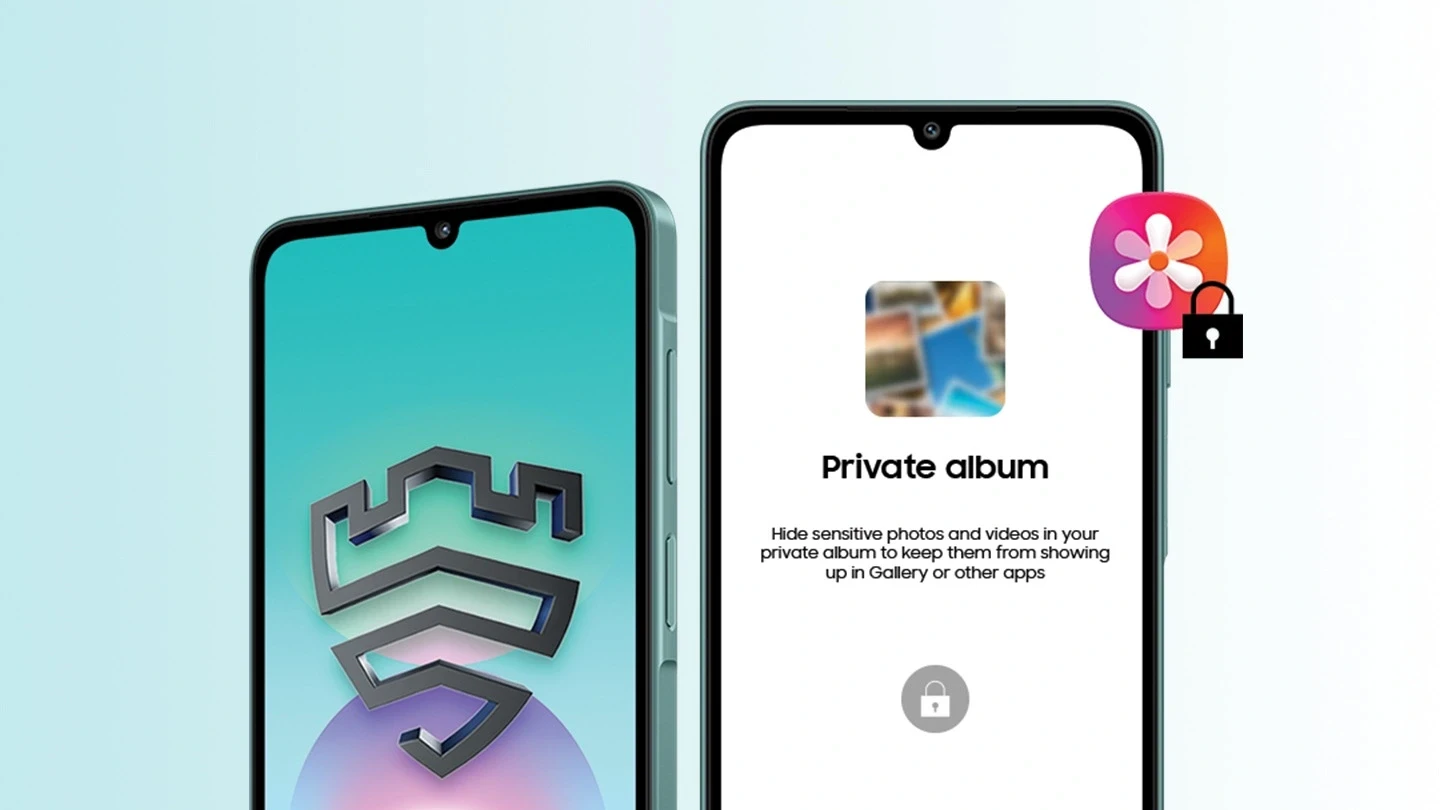
*Security features or hardware/software architecture of Samsung Knox Vault on Samsung Galaxy A series smartphones may differ from those on Samsung Galaxy flagship devices including S series, Z series, S FE series smartphones, and Tab S series tablets launched from 2021 onwards. Availability of Samsung Knox Vault may vary depending on the device model.
Circle it, find it
Images, videos, or text circle anything and get fast results with AI Overview
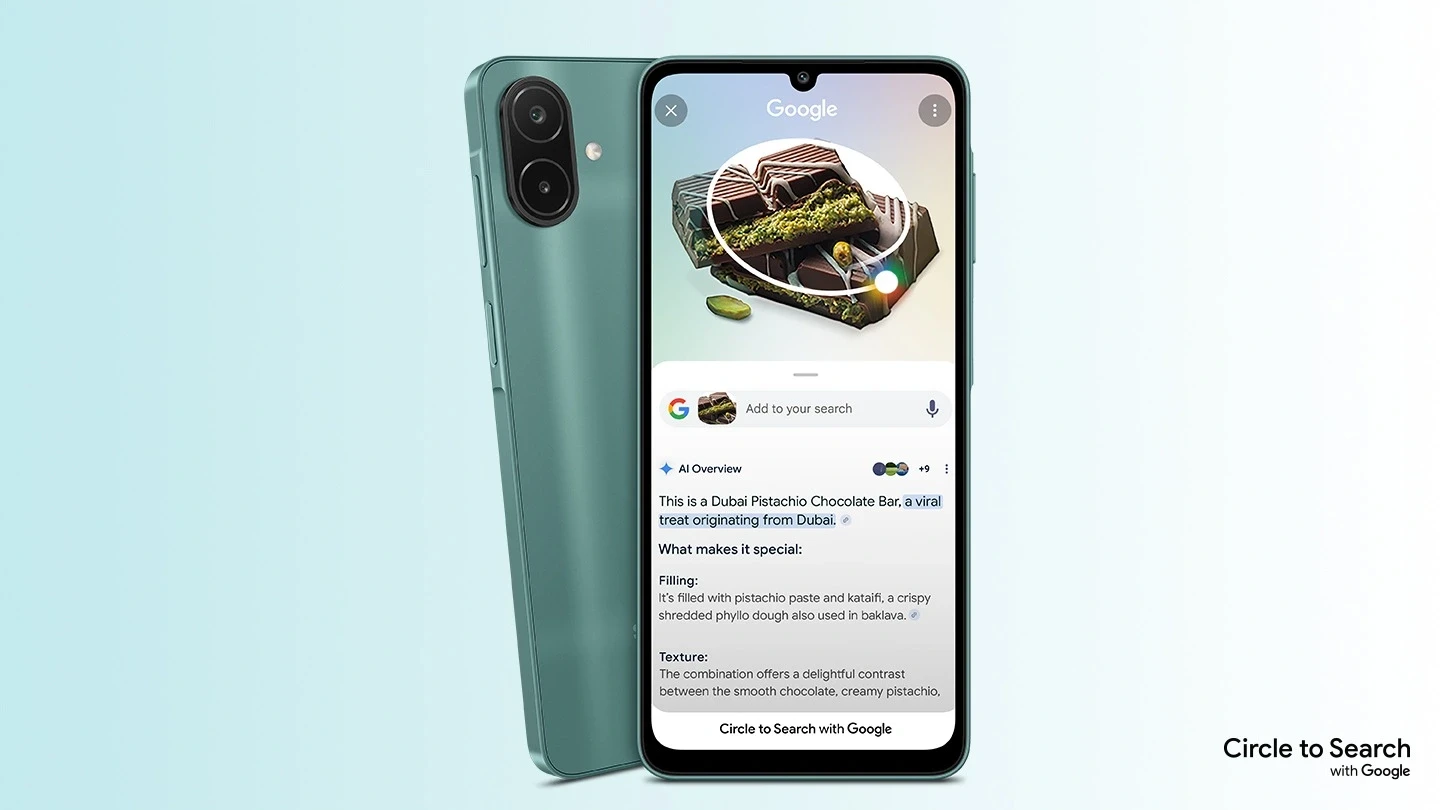
*Google is a trademark of Google LLC. Sequences shortened and simulated. Results for illustrative purposes only. Service availability may vary by country, language, device model. Available on select devices and internet connection required. Works on compatible apps and surfaces. Results may vary depending on visual matches. Users may need to update Android and Google app to the latest version. Accuracy of results is not guaranteed. Not available on apps that prohibit screen capturing.
Samsung Galaxy Experience
One UI 9 provides a fresh, intuitive look and upgraded usability. Quick Share lets you effortlessly send files between Samsung Galaxy devices. Smart Switch lets you easily transfer photos, contacts, and apps from iOS to Galaxy. Complete tasks quickly with multiple AI agents that work seamlessly across apps.
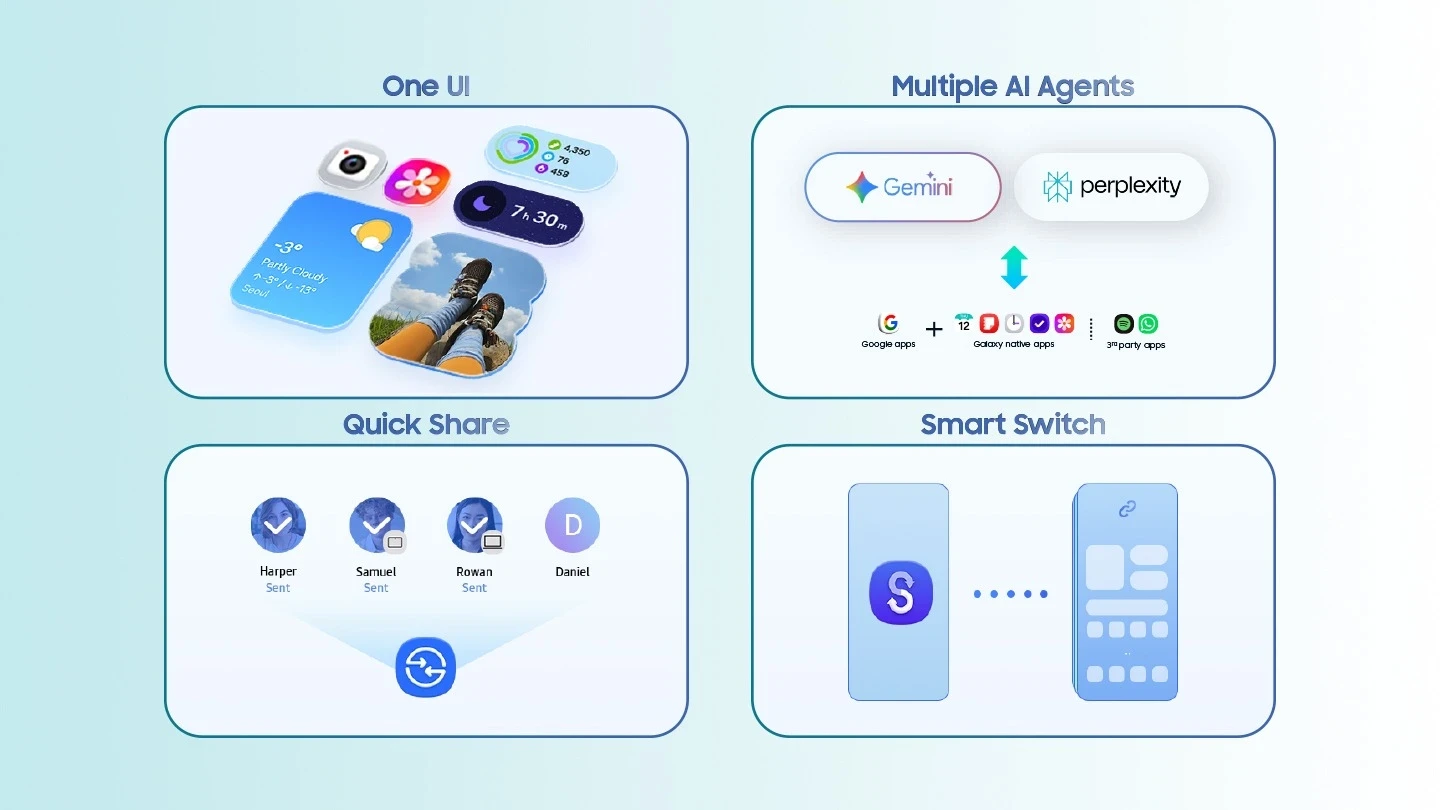 *Some functional widgets may require a network connection and/or Samsung Account login. Availability of functions supported within the apps may vary by country. Actual UI may be different. Image simulated for illustrative purposes. Available functions may vary by device, country, region, carrier, or One UI version. Quick Share feature between Galaxy devices is available with the following OS: smartphones and tablets with Android OS version 10.0 (Q), and One UI 2.1 or above, and Galaxy Books released in 2020 or later. Requires a Samsung Account and Wi-Fi and Bluetooth connection. Wired transfers from Android™ devices require the receiving device to have Android™ 6.0 or later and the sending device to have Android™ 6.0 or later. You can complete transfers wirelessly without a cable. For wireless connections, the receiving device must have Android™ 6.0 or later and the sending device must have Android™ 6.0 or later. Open Smart Switch Mobile in “Settings” on the receiving Galaxy device or download the Smart Switch Mobile app from the Galaxy Store. Data, content, and apps available for transfer may vary by transmission method. Data transfer from iOS to Galaxy through the upgraded method is available when the Galaxy device runs Android™ 17 or later and One UI 9 or later, and the iOS device runs iOS 26.6 or later. All third party logos/ marks shown are registered/owned/licensed logos/ marks of respective brand owners.
In-box items


 RANCON
 Sharp
Sharp
 LG
LG
 Bosch
Bosch
 Samsung
 Toshiba
 Hitachi
 Midea
Midea
 Whirlpool
 Hisense
 Haier
Haier
 Oraimo
 Toshin Rancon
 Kemei
Kemei
 VGR
VGR
 Gazi
Gazi
 Miyako
 Philips
 Panasonic
 Pureit
 Rahimafrooz
 De'Longhi
 Rizco
Rizco
 Super Star
 Realme
 Sony
Sony
 RedSwiss
 Tesy
Tesy
 Qulik
Qulik
 Atomberg
 Amazfit
 Anker
Anker
 Apple
Apple
 Havells
 Haylou
 JBL
JBL
 Kieslect
 OnePlus
 Wiwu
Wiwu
 Xiaomi
 ACEFAST
 EarFun
 Tecno
Tecno
 TOZO
TOZO
 Tribit
 Livpure
 W-KING
 Pigeon
 FONENG
 Kospet
 ECOFLOW
 VIVO
VIVO
 Tefal
Tefal
 Oppo
Oppo
 LUMINOUS
 PAK FAN
 Recci
Recci
 Nothing
 Hoco
Hoco
 Hindware
 CARON
CARON
 Orient
 MIRA
MIRA
 TQIU
TQIU
 UGREEN
 YAMAHA
 Decakila
 TOTAL
TOTAL