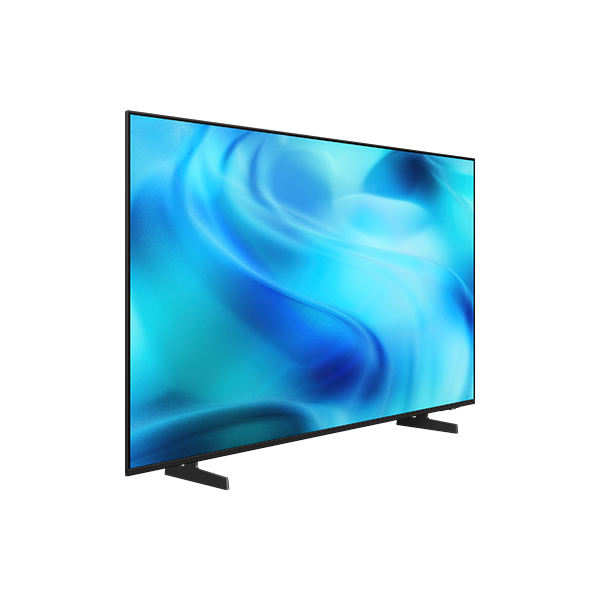
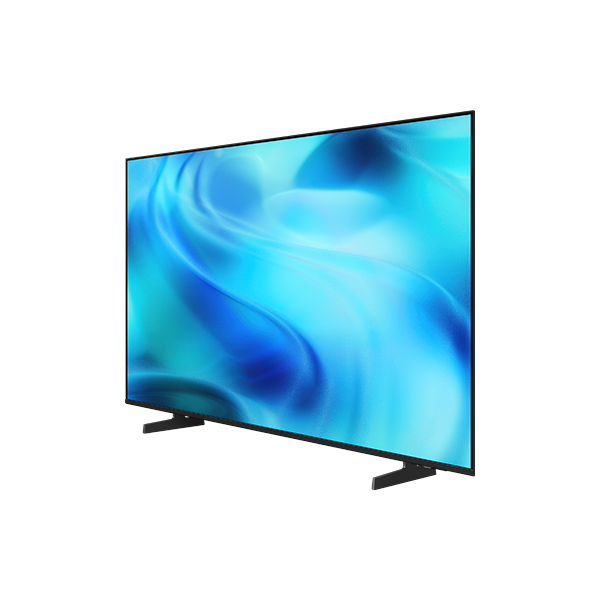
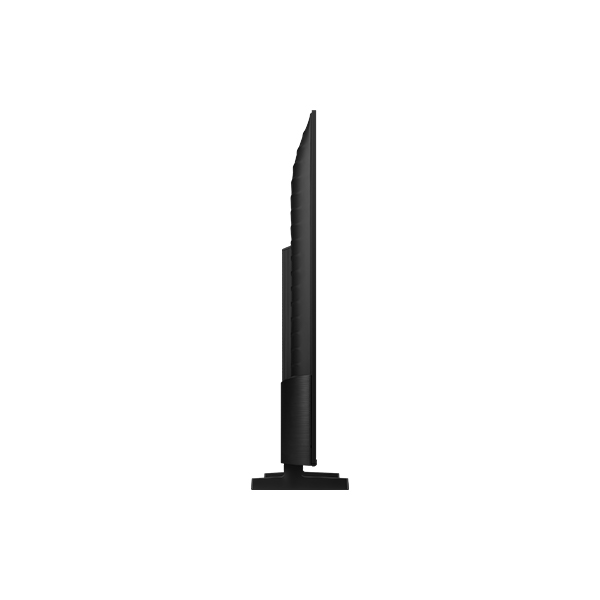
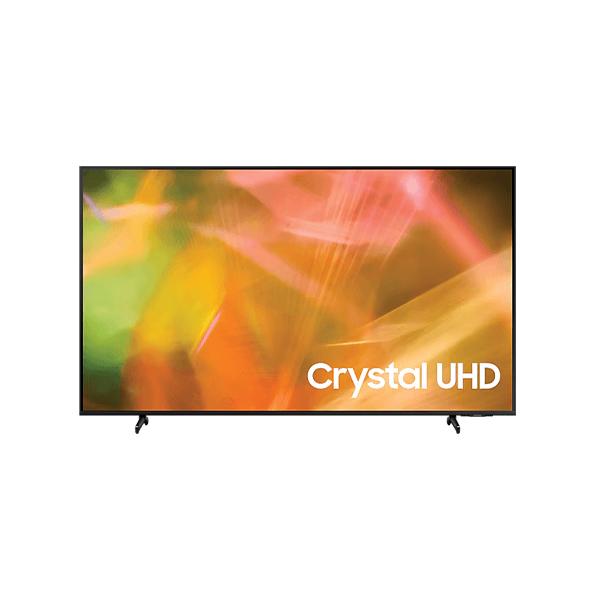
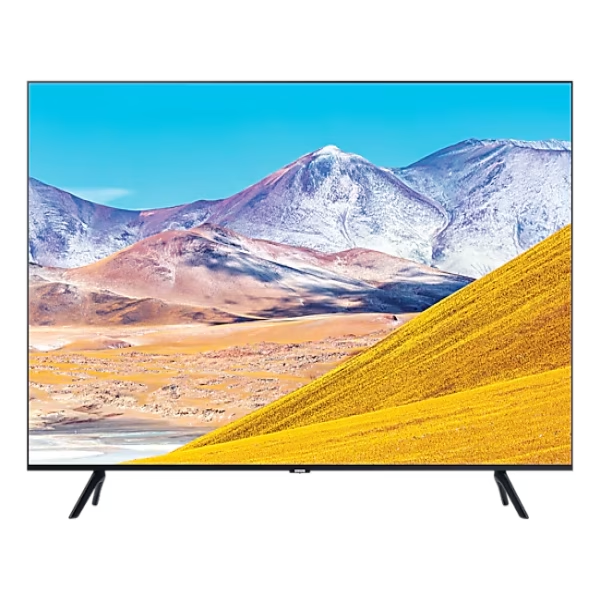
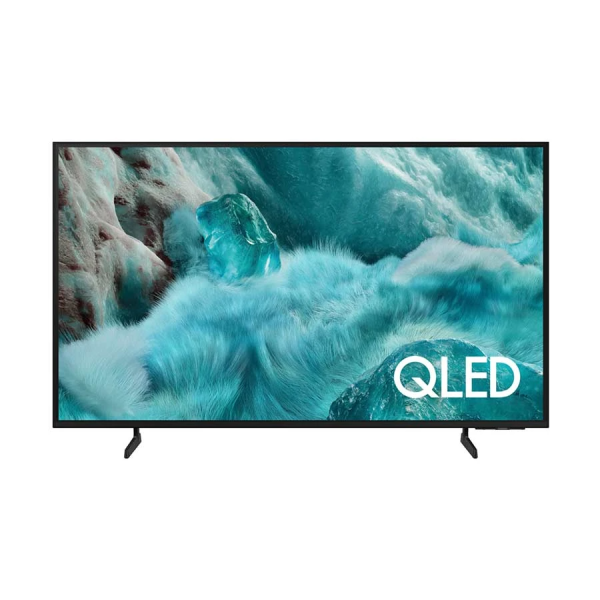
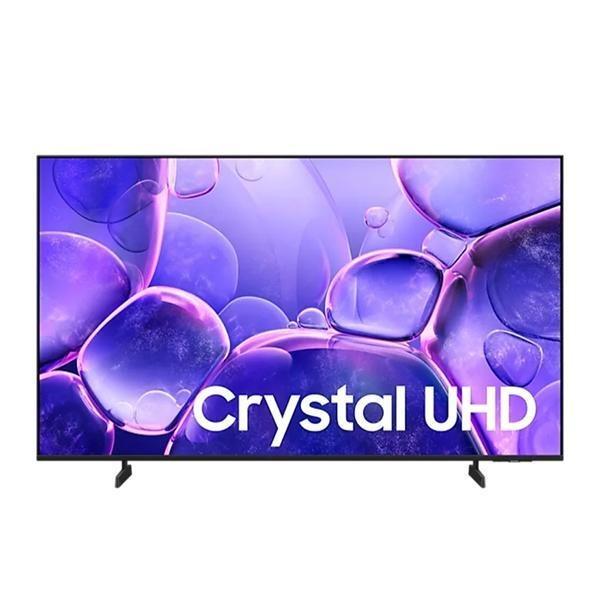
Key features at a glance

Ask your companion anything. Samsung Vision AI is here.
Samsung Vision AI Companion
Getting assistance from AI is now more engaging with Vision AI Companion on your TV. Whether you ask about your content or everyday topics, it instantly delivers video and image responses through multiple AI agents — offering a rich, personalized experience on the big screen.

Picture Quality
Sharp detail and rich color as intended in powerful 4K
Crystal Processor 4K
Crystal Processor 4K enhances lower-resolution sources with powerful 4K upscaling, revealing clearer detail and sharper lines for more realistic picture quality. It also brings out rich, accurate color by analyzing scenes with advanced processing.

A Samsung Crystal Processor 4K chip is laid out on a TV's main board with glowing power lines.
Enhanced football viewing
Football Mode
Football Mode optimizes visuals and sound for immersive football viewing. Rich colors highlight the field and players with clarity, while clear audio creates a realistic atmosphere — so you can enjoy games that feel engaging and easy to follow.

More about
Picture Quality

Watch your favorite content in 4K
4K Upscaling
Samsung's powerful 4K upscaling technology ensures you get up to 4K resolution for the content you love.

Sound
One immersive sound experience
Dynamic Sound Pack

Object Tracking Sound Lite
3D surround sound with our virtual top channel audio allows you to be immersed in the audio experience.

Adaptive Sound
Adaptive Sound has audio scenic intelligence that optimizes sound based on real-time scene analysis by content type.5

Q-Symphony
Q-Symphony unites your TV and soundbar to play sound simultaneously in perfect harmony. With AI trained on thousands of audio sources, it creates immersive surround sound that heightens your viewing experience.
One UI Tizen
Personalize your screen experience
One UI Tizen
One UI Tizen delivers a seamless and consistent Samsung device experience. Samsung Tizen OS lets you take advantage of the latest innovative Samsung features — including quick access to the content you love, convenient AI management and powerful protection with Samsung Knox Security. Plus, One UI Tizen will support Tizen OS upgrades for next seven years, bringing you the latest apps & services.

Enjoy 7 years of new TV experiences

Your privacy. Secured.
Samsung Knox Security
Samsung Knox Security helps keep your TV protected at all times. Sensitive data such as passwords stays safeguarded, connected IoT devices are actively monitored and harmful apps or sites are blocked automatically. With ongoing security updates, your TV stays secure and ready for safe viewing.

Gaming Experience
Improved picture clarity with smooth motion up to 2K 120Hz
Motion Xcelerator
Experience a clear picture with Motion Xcelerator as your TV estimates the movement between frames, then uses that information to improve motion smoothness for subsequent frames.

Do the SmartThings!
SmartThings
Optimize your home devices for a smarter lifestyle. Enjoy a customized smart home experience with thousands of SmartThings-compatible devices that simplify your day-to-day life.11

A modern living room with a wall-mounted Samsung TV displaying the SmartThings dashboard, showing connected devices across different rooms. Icons around the space represent lights, air conditioning, blinds, appliances and a robot vacuum, all controlled from a single screen. The view zooms into the TV to reveal the SmartThings interface in detail. The stand-light icon is selected, and when its power button is activated, the floor lamp in the living room turns on. The interface then transitions to the blinds icon, and when its power button is activated, the living room curtains open. The view zooms back out to the full living room, now showing all connected devices active and working together.
SmartThings

Control your TV straight from your phone
Quick Remote
With Quick Remote in the SmartThings app, your phone works as a remote, letting you change channels, manage volume and more — straight from your mobile device. You can also access key Samsung Tizen TV features, explore media and adjust settings with ease.

Manage energy with intelligent analysis
AI Energy Mode
Make energy management easy with SmartThings. By turning on AI Energy Mode, it auto-detects surrounding light levels and analyzes usage behaviors to adjust the brightness. It also analyzes the content scene-by-scene to subtly adjust brightness and help manage energy consumption where possible.12

Transform your TV into a karaoke stage
Karaoke
Transform your TV into a karaoke stage, with your phone as the mic or wireless microphones. Start singing with friends and family, filling your living room with fun, energy and lively entertainment.

 RANCON
 Sharp
Sharp
 LG
LG
 Bosch
Bosch
 Samsung
 Toshiba
 Hitachi
 Midea
Midea
 Whirlpool
 Hisense
 Haier
Haier
 Oraimo
 Toshin Rancon
 Kemei
Kemei
 VGR
VGR
 Gazi
Gazi
 Miyako
 Philips
 Panasonic
 Pureit
 Rahimafrooz
 De'Longhi
 Rizco
Rizco
 Super Star
 Realme
 Sony
Sony
 RedSwiss
 Tesy
Tesy
 Qulik
Qulik
 Atomberg
 Amazfit
 Anker
Anker
 Apple
Apple
 Havells
 Haylou
 JBL
JBL
 Kieslect
 OnePlus
 Wiwu
Wiwu
 Xiaomi
 ACEFAST
 EarFun
 Tecno
Tecno
 TOZO
TOZO
 Tribit
 Livpure
 W-KING
 Pigeon
 FONENG
 Kospet
 ECOFLOW
 VIVO
VIVO
 Tefal
Tefal
 Oppo
Oppo
 LUMINOUS
 PAK FAN
 Recci
Recci
 Nothing
 Hoco
Hoco
 Hindware
 CARON
CARON
 Orient
 MIRA
MIRA
 TQIU
TQIU
 UGREEN
 YAMAHA
 Decakila
 TOTAL
TOTAL