Key features at a glance

Ask your companion anything. Samsung Vision AI is here.
Samsung Vision AI Companion
Getting assistance from AI is now more engaging with Vision AI Companion on your TV. Whether you ask about your content or everyday topics, it instantly delivers video and image responses through multiple AI agents — offering a rich, personalized experience on the big screen.

More about
Samsung Vision AI

Your command, your match — AI-enhanced football viewing
AI Football Mode
With AI Football Mode, you can watch football with picture and sound settings designed specifically for the sport. AI-driven optimization delivers richer colors, dynamic contrast and crystal-clear commentary — so you can follow the game's passes and cheers with professional-level clarity.

Separate and control audio layers — voice and sound effects — with a single command
AI Sound Controller
AI Sound Controller uses AI to analyze real-time audio and separate it into two tracks — voice and sound effects. Using the on-screen menu or voice commands, you can then adjust the volume of each track to create a personalized listening experience for TV shows, movies and games.
Feel the full power of AI in 4K
NQ4 AI Gen2 Processor
The NQ4 AI Gen2 Processor uses the power of 20 AI neural networks to optimize picture and sound quality. The result is impressive performance, whether you're streaming shows, playing video games or watching live sports.

Samsung NQ4 AI Gen2 Processor chip descends on the TV's main board and lights up with waves of power surging from the chip to the rest of the TV.
Compared to 2026 Neo QLED 4K (NQ4 AI Processor)

Picture Quality
AI powered image enhancements tailored to super large screen
Supersize Picture Enhancer
Supersize your picture without downsizing on quality. AI-driven upscaling, noise reduction, sharpness reinforcement and intelligent black expression all work together to deliver the optimal picture for large-sized screens.

Intelligently enhanced color expression with AI
Color Booster Pro
Color Booster Pro uses AI to recognize each scene and enhance color expression accordingly. The result is imagery that appears more vivid and dynamic, creating a viewing experience that feels remarkably realistic.

A Samsung TV displays a jungle scene. It looks a bit dull until several points are detected and then enhanced thanks to Color Booster Pro. The result is an amazingly vibrant picture with all the colors of the flowers and birds clearly standing out.
More about
Picture Quality

Watch your favorites with rich darks and bright lights
HDR+
Enjoy rich contrast and refined detail with HDR+. With a broad spectrum of image expression between the brightest highlights and deepest shadows, you can watch shows and films just as the creator intended.

Depth perceived just as a person’s eyes would
Real Depth Enhancer
Watch the figures on screen stand out with more realism. Real Depth Enhancer increases the contrast between the objects in the foreground from the background — mirroring how a human eye processes depth. So when you're watching a nature documentary, it really looks like the rhinos are marching toward you.
Gaming Experience
Get smooth motion for games up to 4K 144Hz, 2K 240Hz with VRR
Motion Xcelerator 144Hz
Enjoy seamless visuals at incredibly fast speeds with Motion Xcelerator 144Hz. Samsung’s unique dynamic refresh technology provides smooth motion performance for VRR games up to 4K 144 Hz or 2K 240Hz.

More about
Gaming Experience

Fine-tune your game settings as you play
Game Bar
Optimize your gameplay even more with Game Bar. Samsung TVs give you a handy in-game menu for settings like FPS, input lag, minimap zoom and more. It also lets you apply ultra-wide aspect ratios of 21:9 and 32:9 to expand your view on bigger screens.

Tear-free, stutter-free, low latency HDR gaming
FreeSync Premium
Built on AMD FreeSync™ core technology to reduce stutter and screen tearing, AMD FreeSync™ Premium provides a true HDR gaming experience. It produces exceptional high dynamic range visuals while maintaining low latency for effortlessly smooth gameplay.
Sound

Enjoy sound intelligently optimized to your content and space
Adaptive Sound+
Adaptive Sound+ uses scene analysis to optimize audio in real time. It also recognizes your room and setup and fine-tunes sound to suit the space, giving you clearer voices, balanced tones and a more tailored listening experience.

Catch every word without distractions
Active Voice Amplifier
Enjoy clear dialogue, no matter what's going on around you. Our AI technology enhances voice clarity in response to ambient noise from your surroundings.
Immersive virtual sound that tracks the action
Object Tracking Sound Lite
3D surround sound with our virtual top channel audio allows you to be immersed in the audio experience.
TV and soundbar orchestrated in perfect harmony
Q-Symphony
Q-Symphony unites your TV and soundbar to play sound simultaneously in perfect harmony. With AI trained on thousands of audio sources, it creates immersive surround sound that heightens your viewing experience.
One UI Tizen
Personalize your screen experience
One UI Tizen
One UI Tizen delivers a seamless and consistent Samsung device experience. Samsung Tizen OS lets you take advantage of the latest innovative Samsung features — including quick access to the content you love, convenient AI management and powerful protection with Samsung Knox Security. Plus, One UI Tizen will support Tizen OS upgrades for next seven years, bringing you the latest apps & services.

Enjoy 7 years of new TV experiences

More about
One UI Tizen

Access useful info throughout the day even when your TV is off
Now Brief
Stay informed even when the TV is off. Your daily info screen uses widgets to show what matters at a glance — including the weather, daily agenda, reminders and smart-home updates. Activated by voice or when you approach your TV, it delivers information right when you need it.

Your privacy. Secured.
Samsung Knox Security
Samsung Knox Security helps keep your TV protected at all times. Sensitive data such as passwords stays safeguarded, connected IoT devices are actively monitored and harmful apps or sites are blocked automatically. With ongoing security updates, your TV stays secure and ready for safe viewing.
Do the SmartThings!
SmartThings
Optimize your home devices for a smarter lifestyle. Enjoy a customized smart home experience with thousands of SmartThings-compatible devices that simplify your day-to-day life.17

A modern living room with a wall-mounted Samsung TV displaying the SmartThings dashboard, showing connected devices across different rooms. Icons around the space represent lights, air conditioning, blinds, appliances and a robot vacuum, all controlled from a single screen. The view zooms into the TV to reveal the SmartThings interface in detail. The stand-light icon is selected, and when its power button is activated, the floor lamp in the living room turns on. The interface then transitions to the blinds icon, and when its power button is activated, the living room curtains open. The view zooms back out to the full living room, now showing all connected devices active and working together.
More about
SmartThings

Control your TV straight from your phone
Quick Remote
With Quick Remote in the SmartThings app, your phone works as a remote, letting you change channels, manage volume and more — straight from your mobile device. You can also access key Samsung Tizen TV features, explore media and adjust settings with ease.

Stay connected to your pets while you're away
Pet Care
Use your TV as a pet-sitting assistant while you're outside. Your TV can detect noises like barking through its microphone, and then automatically turn on your pet's favorite content to calm them down.
Enjoy your favorite moments on a bigger screen with ease. Storage Share lets you stream photos, videos and more from your Galaxy devices directly to your TV. With automatic detection of nearby devices, sharing content across Samsung devices feels seamless and effortless.
Manage energy with intelligent analysis
AI Energy Mode
Make energy management easy with SmartThings. By turning on AI Energy Mode, it auto-detects surrounding light levels and analyzes usage behaviors to adjust the brightness. It also analyzes the content scene-by-scene to subtly adjust brightness and help manage energy consumption where possible.
A refined, slim design with a grand screen presence
Slim Look Design
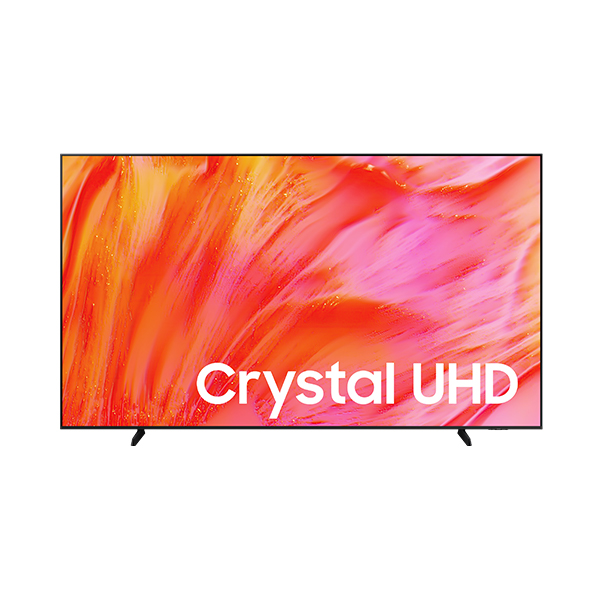
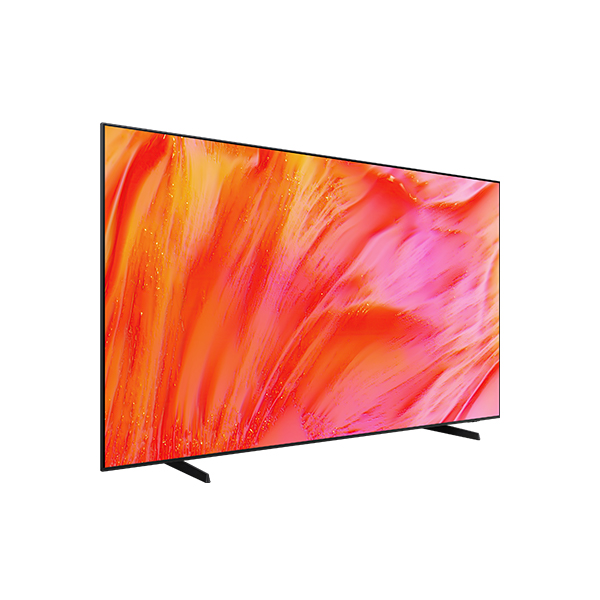
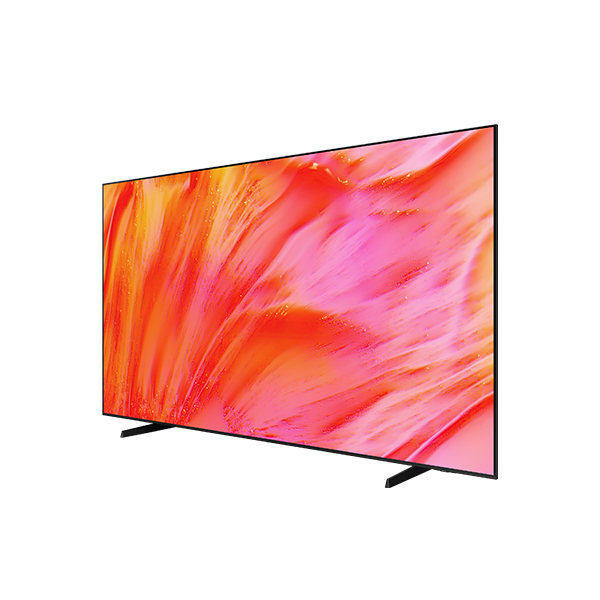
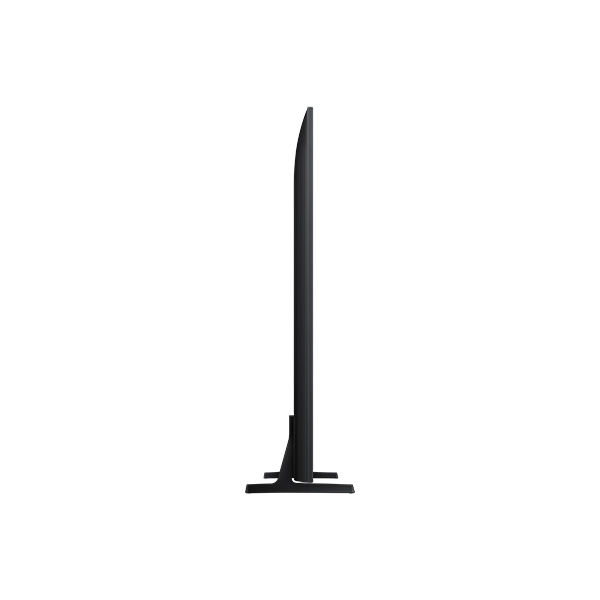
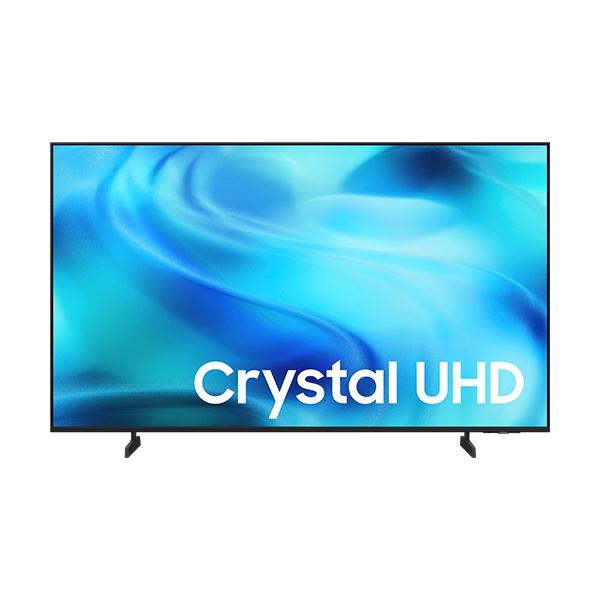
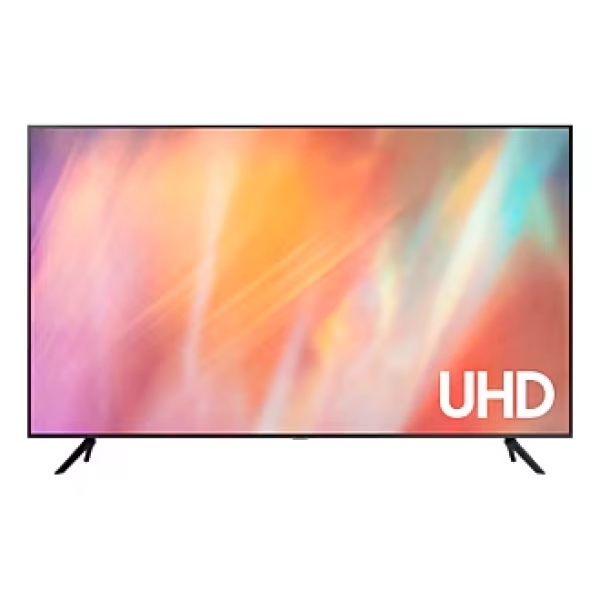
Crafted to blend seamlessly into your decor, the Crystal UHD U9000H features an elegant, slim profile that minimizes visual distractions. Its expansive screen is designed to draw you into total immersion, while the clean lines and refined finish complement both modern and traditional interiors.

Scene opens with a close-up of the Samsung U9000H TV’s slim edge. A white line traces the ultra-thin profile as the TV pivots, shifting the view to the lower rear where the stand is revealed. The TV then rotates back, the stand retracts from view, and the screen glides forward to a white wall in a modern living room, where it mounts seamlessly in place.
Sustainability
Designed for everyone, accessible to all
Audio Phone Number
Easily access contact info with Audio Phone Number. This feature recognizes phone numbers shown during home shopping broadcasts and reads them aloud, helping viewers with low vision place orders with greater ease.

Audio Subtitles
Audio Subtitles recognizes subtitles and reads them aloud, improving the accessibility of your content. It doesn’t just enhance your entertainment but also makes it more inclusive, especially for viewers with different visual abilities.

Relumino Mode
Enjoy a clearer view with Relumino Mode. This visual aid solution dynamically emphasizes edges and improves contrast and color. It makes on-screen content easier to see for those with low vision, providing a more accessible viewing experience.

 RANCON
 Sharp
Sharp
 LG
LG
 Bosch
Bosch
 Samsung
 Toshiba
 Hitachi
 Midea
Midea
 Whirlpool
 Hisense
 Haier
Haier
 Oraimo
 Toshin Rancon
 Kemei
Kemei
 VGR
VGR
 Gazi
Gazi
 Miyako
 Philips
 Panasonic
 Pureit
 Rahimafrooz
 De'Longhi
 Rizco
Rizco
 Super Star
 Realme
 Sony
Sony
 RedSwiss
 Tesy
Tesy
 Qulik
Qulik
 Atomberg
 Amazfit
 Anker
Anker
 Apple
Apple
 Havells
 Haylou
 JBL
JBL
 Kieslect
 OnePlus
 Wiwu
Wiwu
 Xiaomi
 ACEFAST
 EarFun
 Tecno
Tecno
 TOZO
TOZO
 Tribit
 Livpure
 W-KING
 Pigeon
 FONENG
 Kospet
 ECOFLOW
 VIVO
VIVO
 Tefal
Tefal
 Oppo
Oppo
 LUMINOUS
 PAK FAN
 Recci
Recci
 Nothing
 Hoco
Hoco
 Hindware
 CARON
CARON
 Orient
 MIRA
MIRA
 TQIU
TQIU
 UGREEN
 YAMAHA
 Decakila
 TOTAL
TOTAL